
GrammarFlow dictation

Hold a key,
just talk.

Voice to text that turns what you say into clean, finished writing in every app.

Available on Mac, Windows, iPhone, and Android.

Works in every app you already use

Talk the way you think.
It types the way you write.

Hold the key, say it, let go. The fillers go, the punctuation lands, and the words appear where your cursor was.

GrammarFlowSay it once

um so can we move the uh meeting to thursday, i’ll send the the agenda tonight, um thanks for being flexible

Message…

Can we move the meeting to Thursday? I’ll send the agenda tonight. Thanks for being flexible.

How it works

Speak at the speed you think,
in every app you already use.

um so can we move the uh meeting to thursday

Message…

um so can we move the uh meeting to thursday, i’ll send the the agenda tonight

  • Filler removed
  • Repetition removed
  • Punctuation added
Message…

Can we move the meeting to Thursday? I’ll send the agenda tonight.

Hold and talk

Hold fn on a Mac, or Ctrl Win on Windows. Ramble, pause, change your mind. Tap the key twice to go hands-free.

It cleans as you speak

Fillers and repeats are dropped, punctuation is added, and the sentence reads like you wrote it. Holds under half a second send nothing.

Use it anywhere

The words are typed into the field that had focus, in any app, with no plug-ins. If a field can’t be typed into, they go to your clipboard and the bar offers Copy again.

Writing, in place

Built around how you write,
not how we think you should.

They’re sending the report tomorrow, which should be fine.

From their sending the report tomorow, i think its fine

Change the tone in one tap

Select a sentence, pick a tone. Professional, Casual, Polite, Friendly, Direct, Funny, Formal, or a plain rewrite, plus three tones of your own.

More about the tone changer


Thursday

their sending the report tomorow, i think its fine

Will confirm by noon.

They’re sending the report tomorrow. I think it’s fine. Replace

Fix grammar where it sits

A floating icon appears next to anything you select, in any app. Grammar runs the moment the panel opens, and Replace puts the fix back in place. If the selection changed, nothing is touched and Copy stays available.

More about the grammar checker

Van a enviar el informe mañana, creo que está bien.

Translate in place

Pick a language once and it stays picked. Dictation follows the same choice, so you can speak in one language and have it land in another.

More about translating in place
0:02fn
You say
send it to my address
It types
send it to 12 Example Street, Example Town

+ Add a snippet

Snippets you can say

Save the things you type all the time: addresses, links, sign-offs. Say the exact phrase while dictating and it expands.

More about text snippets
  • Humanise
  • Reply
  • Summary
  • Explain
  • Idioms
  • Essay
  • Blog Post
  • 26 more, and yours

The deliverable is pending stakeholder alignment.

We’re waiting for the team to agree.

ImproveCopy

A studio for longer pieces

Paste, improve, copy. 33 assistants, from Humanise and Reply to Summary and Essay, and custom assistants with your own instructions.

More about the AI writing assistant

Real moments

Made for the moments
you’d rather talk.

A person sitting on a stone sea wall, using a phone

The reply from the sea wall

Same account on iPhone and desktop. Your credits and history come with you.

Hands writing in a notebook beside a cup of cocoa

Notes before they fade

Think out loud, paste the clean version into the doc. Fillers never make it in.

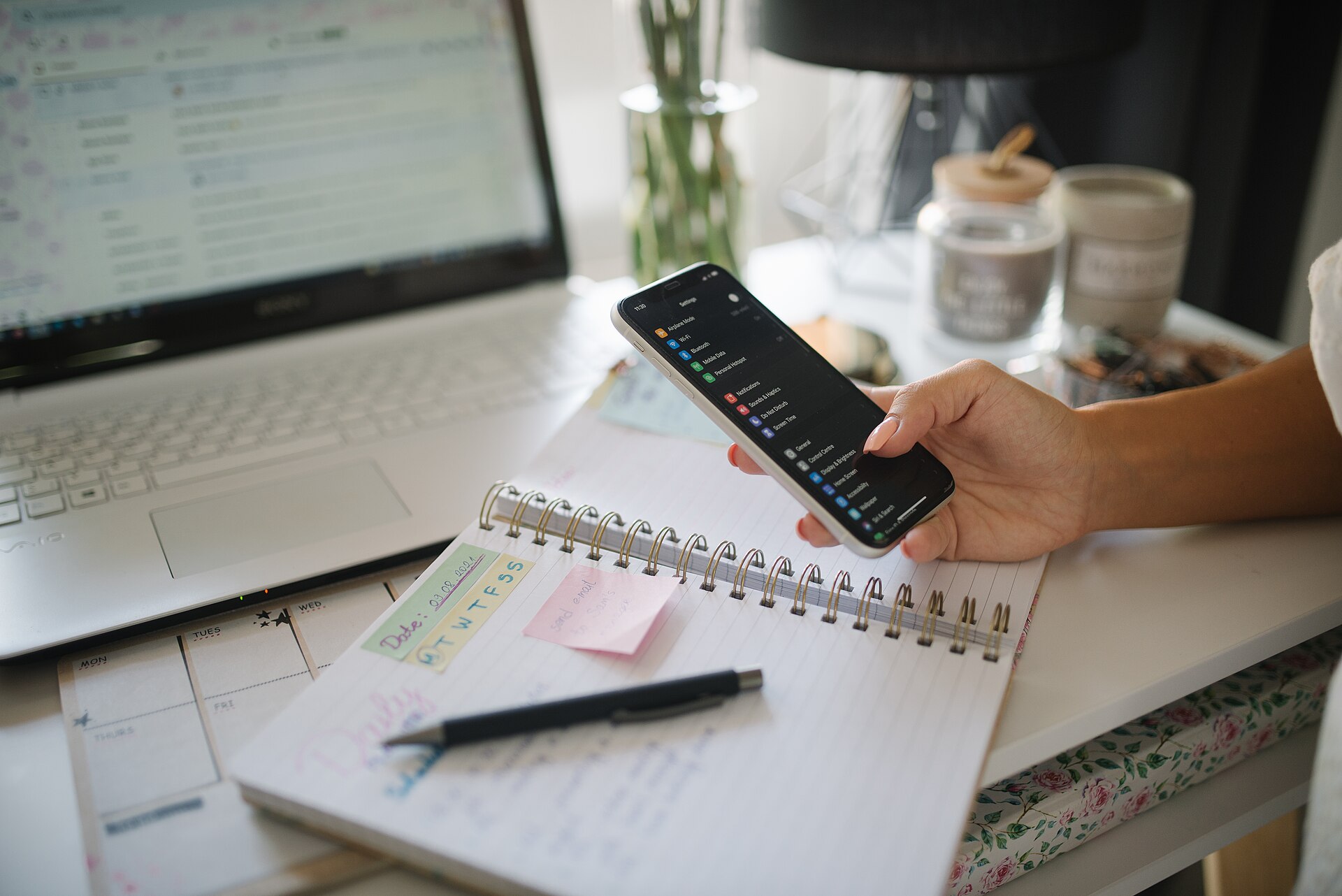
A hand holding a phone over a notebook and laptop on a home desk

The eight o’clock inbox

Say the reply, read it once, send. Tone fixed on the way.

A slim microphone on a boom in a dim recording studio

Any microphone

Built-in, headset or desk mic. Pick it from the menu bar, test it locally.

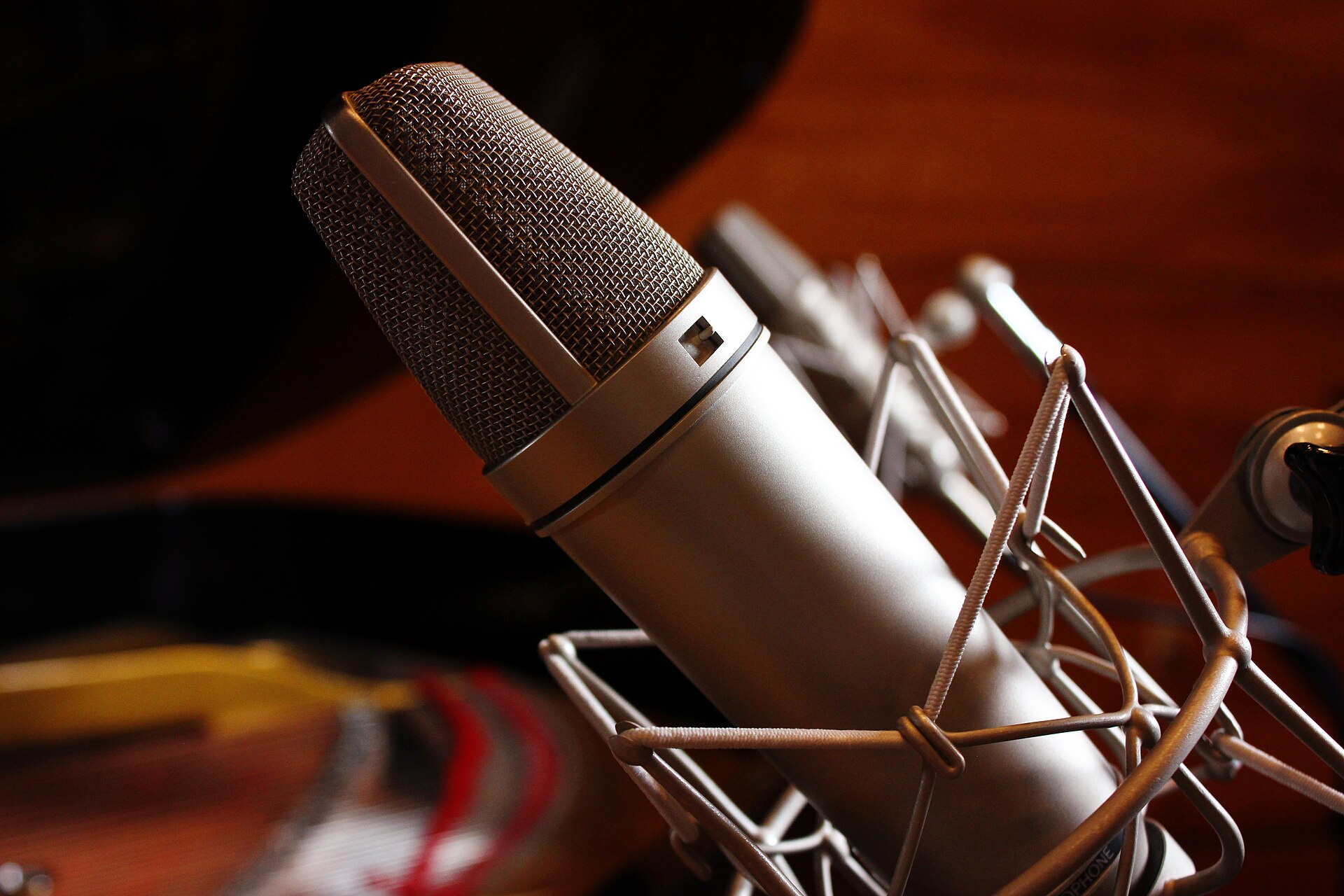
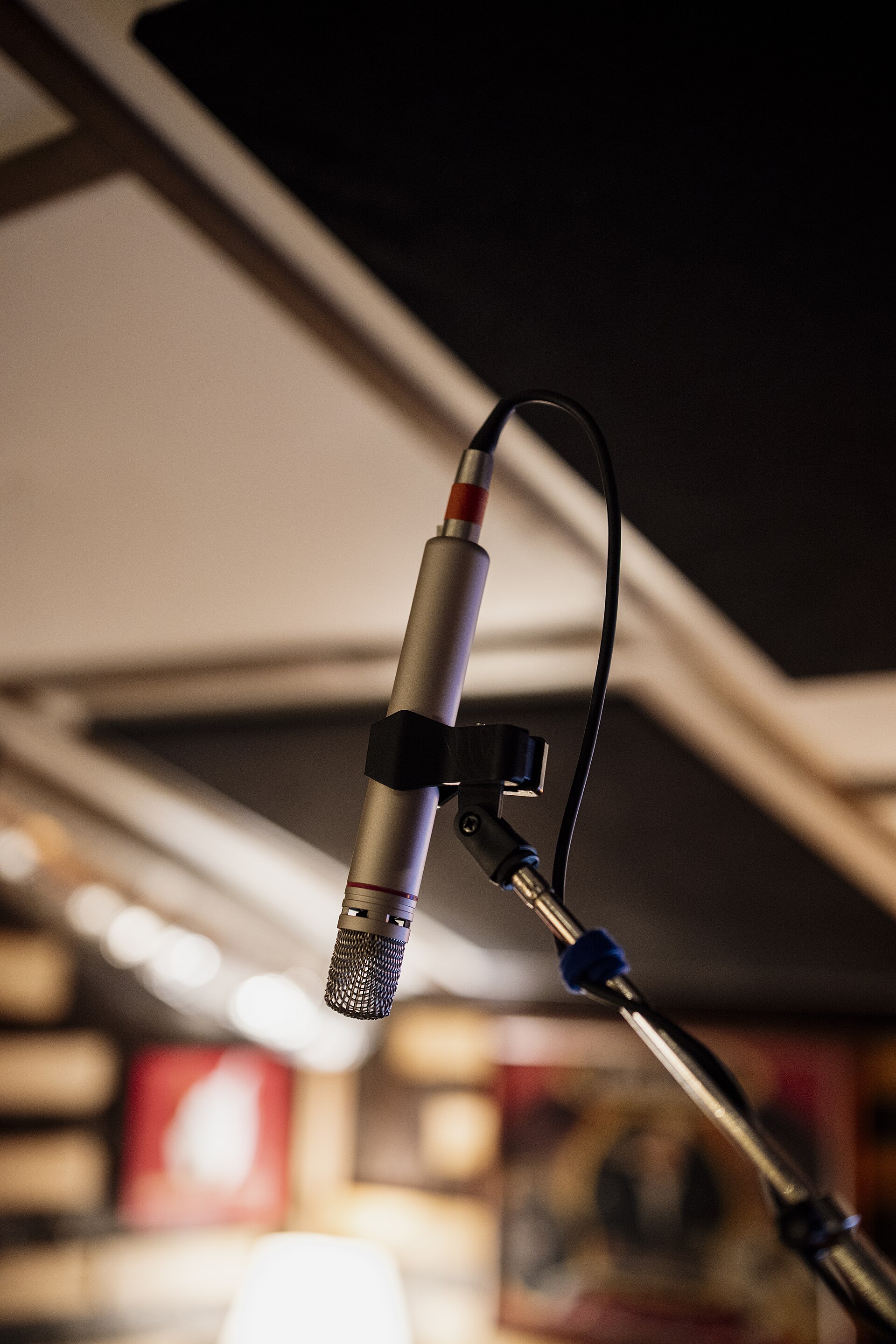
A silver condenser microphone in a cradle against warm studio light

The long one

Dictate the draft, then hand it to the studio to tighten.

Your voice
stays yours.

Audio is kept in memory, sent only for transcription, and never stored. History is encrypted on your computer, per account, and can be turned off. Password fields are refused, and no key is recorded except the one you hold.

  • No audio stored
  • Encrypted history
  • No key logging
A condenser microphone in its cradle, warm studio light behind

Platforms

On Mac and Windows, iPhone and Android.

CtrlWin

Windows

Hold Ctrl and Win, and talk. For x64 and ARM64.

iPhone and iPad

A keyboard that fixes grammar, changes tone and translates as you type.

Android

A keyboard that fixes grammar, changes tone and translates as you type.

FAQs

Good questions.

Will it type in my messages, notes, email and AI tools?

Yes. GrammarFlow types into the field that had focus when you pressed the key, so it works in every app with no setup. If a field can’t be typed into, the text goes to your clipboard and the bar offers Copy again.

Say it once.
It’s written.

Dictation, the selection popup and the studio, in one app, free to start.